Dynamic QR code
Link list QR code generator
One page with all your useful links, labelled and in the order you choose. Add or remove links without reprinting.
A list of labelled links, ordered by you. What social bios solve with a link-in-bio page, here printed and scannable.
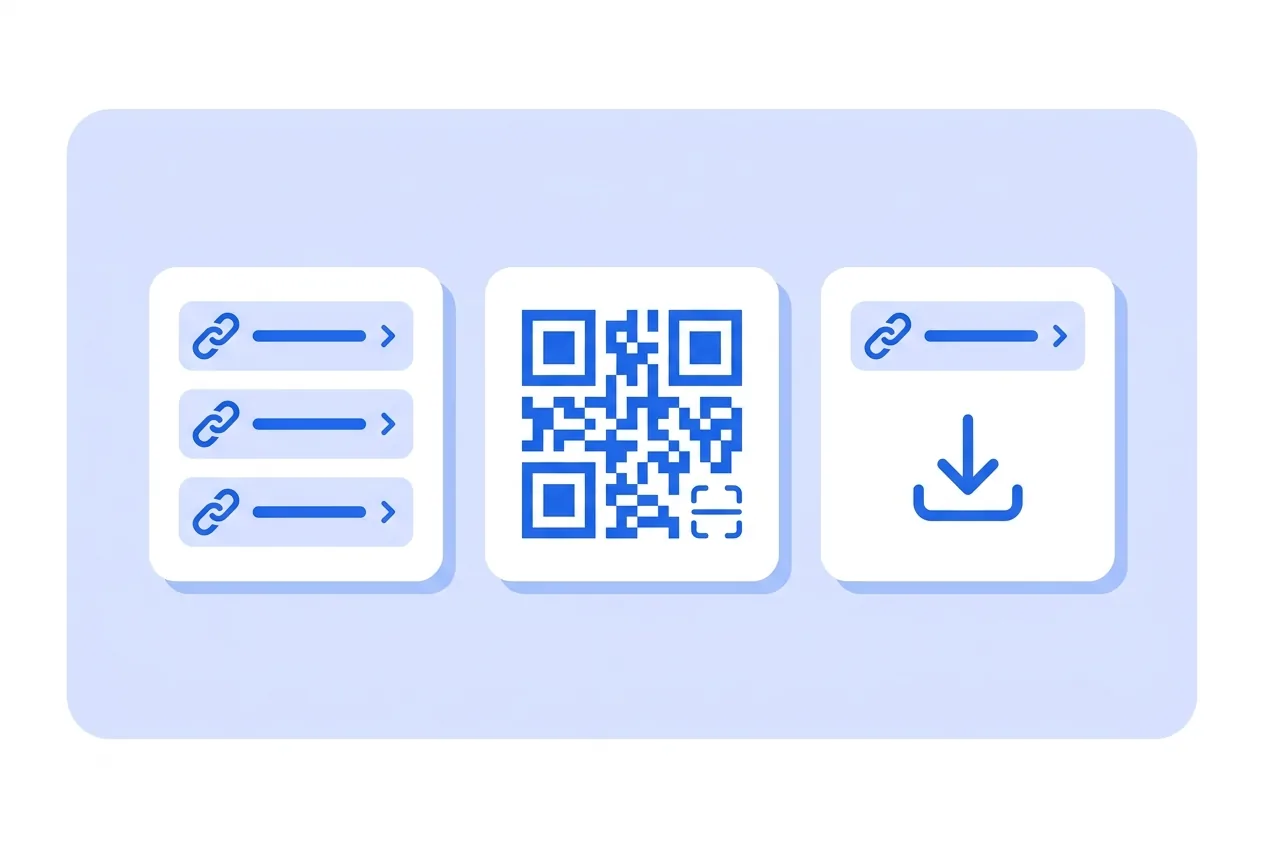
What you need for a Link list QR code
This is everything the form asks for. Required fields cannot be left empty; the rest, only if they are useful to you.
-
Name your QR code Required
-
Image Optional
-
Title Optional
-
Description Optional
-
Links Required
-
Google Analytics 4 Tracking ID Optional
-
Facebook Pixel ID Optional
-
Google Tag Manager ID Optional
What a Link list QR code is for
-
Hotel or office reception
Wi-Fi, house rules, floor plan, emergency phone and schedules in one list, corrected without reprinting the room binders.
-
Events
Programme, venue map, tickets and transport on one poster people scan as soon as they arrive.
-
Product sheets
Manual, spare parts, warranty and service grouped together, without covering the packaging in tiny web addresses.
-
Mandatory documentation
When several legal documents must be accessible, a titled list is clearer than one loose link.
Add and remove links whenever you want
The list lives on an editable page. Add a link, drop the expired one or reorder them without touching anything printed.
Scans are counted per code, so you know how many people open the list from each place you put it.
Link list QR code questions
How many links can I add?
As many as you need, but the more there are, the less each one gets used. Short groups work best.
Can I write the label for each link?
Yes. Every link carries its visible label so people know where it leads before tapping.
Can I mix social profiles and documents?
Yes, any kind of address fits here.
These questions do not depend on the code type, and they are worth reading before sending anything to print: what size to print a QR code at , why a heavily customised code stops scanning and what gets recorded when a dynamic code is scanned .
Other types you might need
Create your Link list QR code
Fill in the details, pick colors, frame and logo, and download it. The editor opens directly on the Link list type.
Open the editor