Dynamic QR code
vCard QR code generator
Share your contact details with one scan and save them straight to any phone. Change numbers later; printed cards keep working.
The paper business card, replaced. The other person points their camera and your details land in their contacts, spelled right, with no typing.
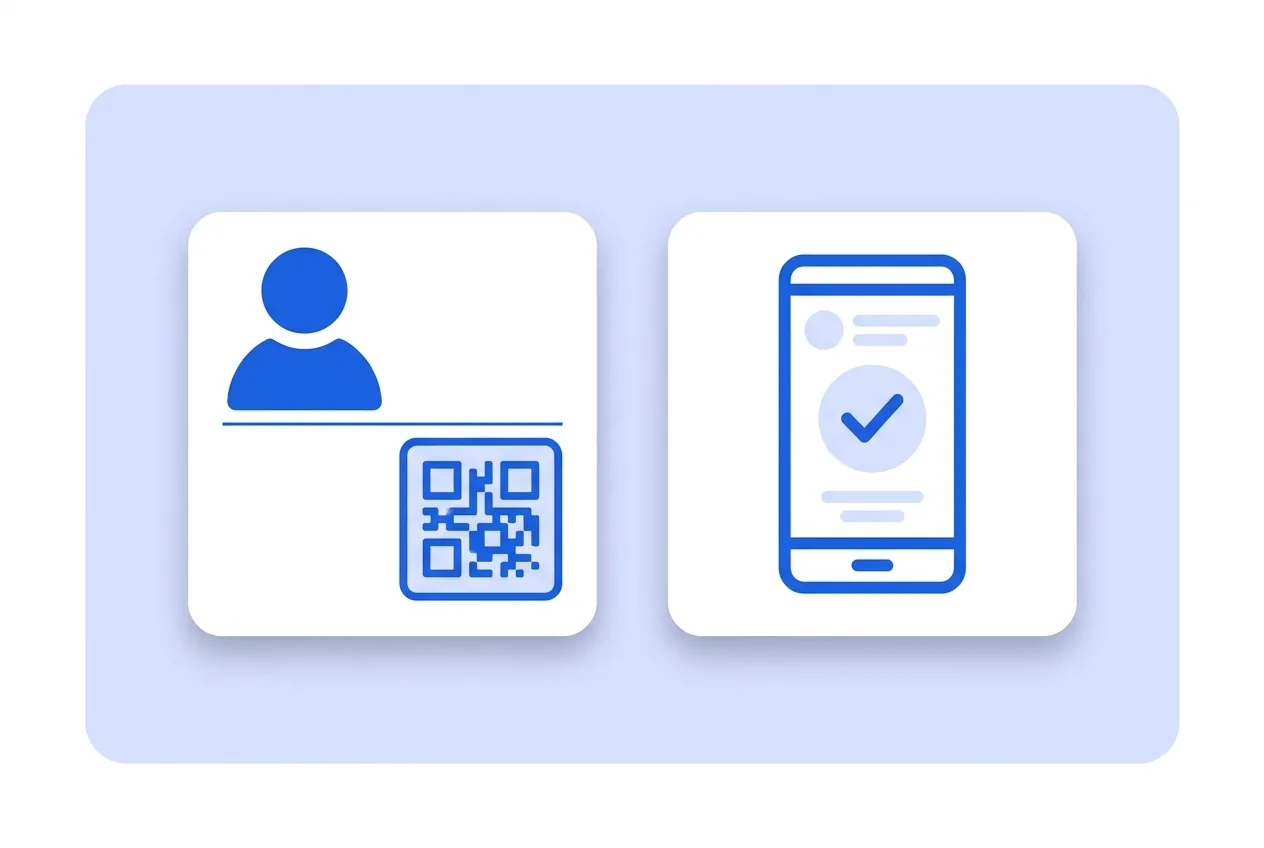
What you need for a vCard QR code
This is everything the form asks for. Required fields cannot be left empty; the rest, only if they are useful to you.
-
Name your QR code Required
-
Photo Optional
-
First name Required
-
Last name Optional
-
Company Optional
-
Job title Optional
-
Mobile phone Optional
-
Landline Optional
-
Fax Optional
-
Email Optional
-
Website Optional
-
Summary Optional
-
Address Optional
-
Number Optional
-
Postal code Optional
-
City Optional
-
State or province Optional
-
Country Optional
-
Google Analytics 4 Tracking ID Optional
-
Facebook Pixel ID Optional
-
Google Tag Manager ID Optional
What a vCard QR code is for
-
On the back of your card
Printing the code on the reverse costs no design space and saves anyone from typing your number by ear in a noisy room.
-
In your email signature
Whoever prints your quote or reads it on a colleague’s phone has your details one scan away, without digging through the email header.
-
Trade shows and conferences
Hundreds of cards get handed out at a fair and almost all get lost. A code on the table or on your badge scans standing up, in two seconds.
-
Straight from your screen
Save the code image on your phone and show it whenever someone asks for your contact.
New phone number, same printed cards
Your details are not engraved in the pattern: they live on a card you can edit. Change your number, email or company, update the card, and everything already printed keeps giving out the right data.
You also see how many times it has been scanned, which is the only way to know whether the cards you hand out get used or end up in a drawer.
vCard QR code questions
Does it save the same on iPhone and Android?
Yes. Both systems understand the standard contact format. Only the confirmation screen differs: one says add to contacts, the other says save.
Can I add two phone numbers or two emails?
The form takes one phone and one email. If you need more, put the main one here and the rest on the website you link.
Does the other person need to install anything?
No. The phone camera is enough, and the contacts app comes with the phone.
These questions do not depend on the code type, and they are worth reading before sending anything to print: what size to print a QR code at , why a heavily customised code stops scanning and what gets recorded when a dynamic code is scanned .
Other types you might need
Create your vCard QR code
Fill in the details, pick colors, frame and logo, and download it. The editor opens directly on the vCard type.
Open the editor