Static QR code
Wi-Fi QR code generator
Guests join your network without typing the password. Perfect for cafés, hotels and offices.
Customers point their camera and their phone joins your network. No more dictating twenty-character passwords over the counter.
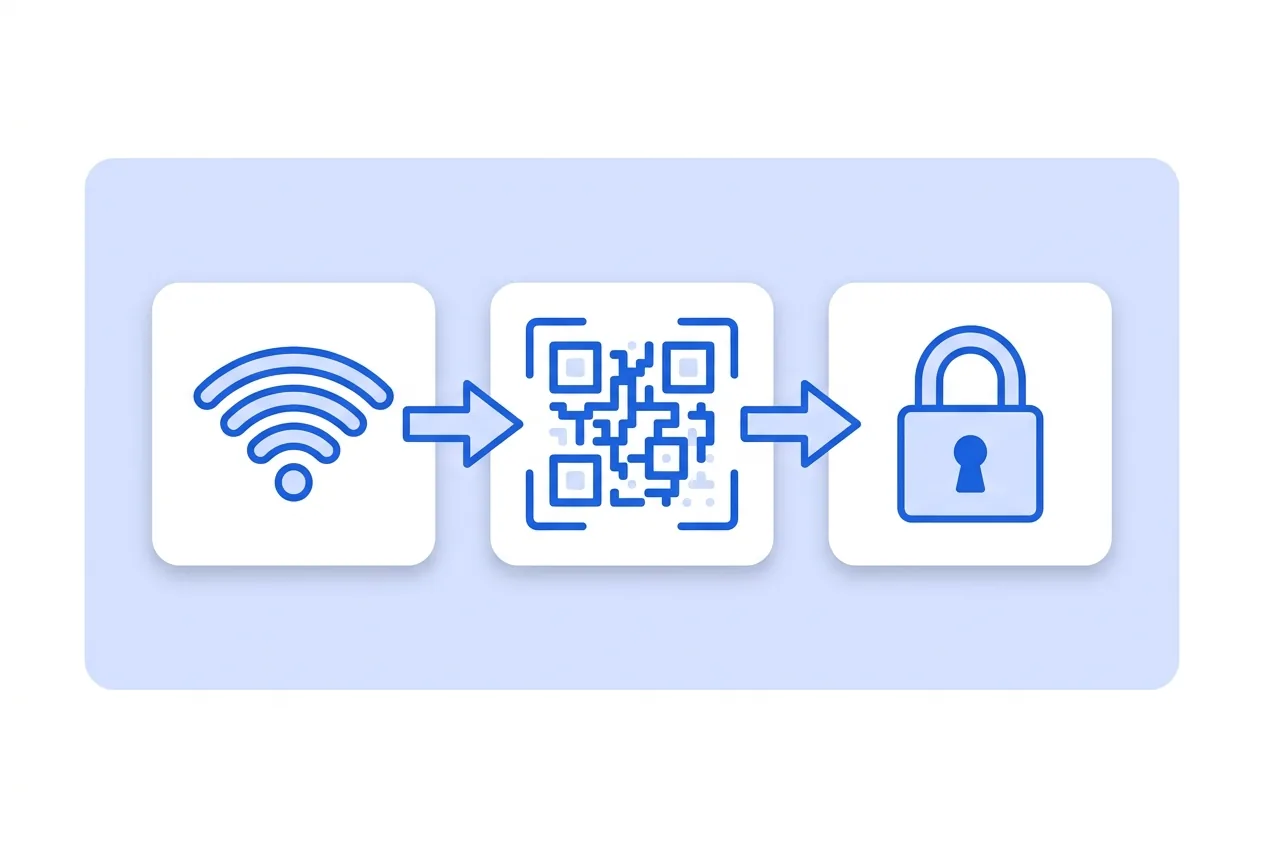
What you need for a Wi-Fi QR code
This is everything the form asks for. Required fields cannot be left empty; the rest, only if they are useful to you.
-
Name your QR code Required
-
Network name (SSID) Required
-
Security type Required
-
Username (WPA2-Enterprise only) Optional
-
Network password Optional
-
Hidden network Optional
What a Wi-Fi QR code is for
-
Bars, hotels and restaurants
A small sign on the table or in the room removes the most repeated question of the shift.
-
Offices with a guest network
Reception hands over the code instead of writing the key on a slip that ends up in the bin.
-
Holiday rentals
Guests connect on arrival without calling the host or hunting for the label under the router.
-
Genuinely strong passwords
If the key never has to be dictated, you can use a hard one instead of one easy to say out loud.
The network details live inside the code
The network name, security type and password are inside the pattern. There is no page in between: the phone reads them and connects.
That is why scans cannot be counted and the key cannot be changed remotely. If you change the router password, you generate and print a new code.
Wi-Fi QR code questions
Does it work on every phone?
Most current phones connect straight from the camera. Some older Androids need the code reader inside the Wi-Fi settings.
Which security type do I pick?
WPA covers WPA, WPA2 and WPA3, which is the norm today. WEP only for very old routers, and no password for open networks.
What if my network is hidden?
Tick the hidden network box. Without it, the phone will not find the network even if everything else is right.
These questions do not depend on the code type, and they are worth reading before sending anything to print: what size to print a QR code at , why a heavily customised code stops scanning and how static and dynamic codes differ .
Create your Wi-Fi QR code
Fill in the details, pick colors, frame and logo, and download it. The editor opens directly on the Wi-Fi type.
Open the editor