Static QR code
Instagram QR code generator
Sends whoever scans straight to your Instagram profile, ready to follow. Print it on packaging, a receipt or the shop window.
The code opens your Instagram profile, ready to follow. From packaging to a shop window, in one scan.
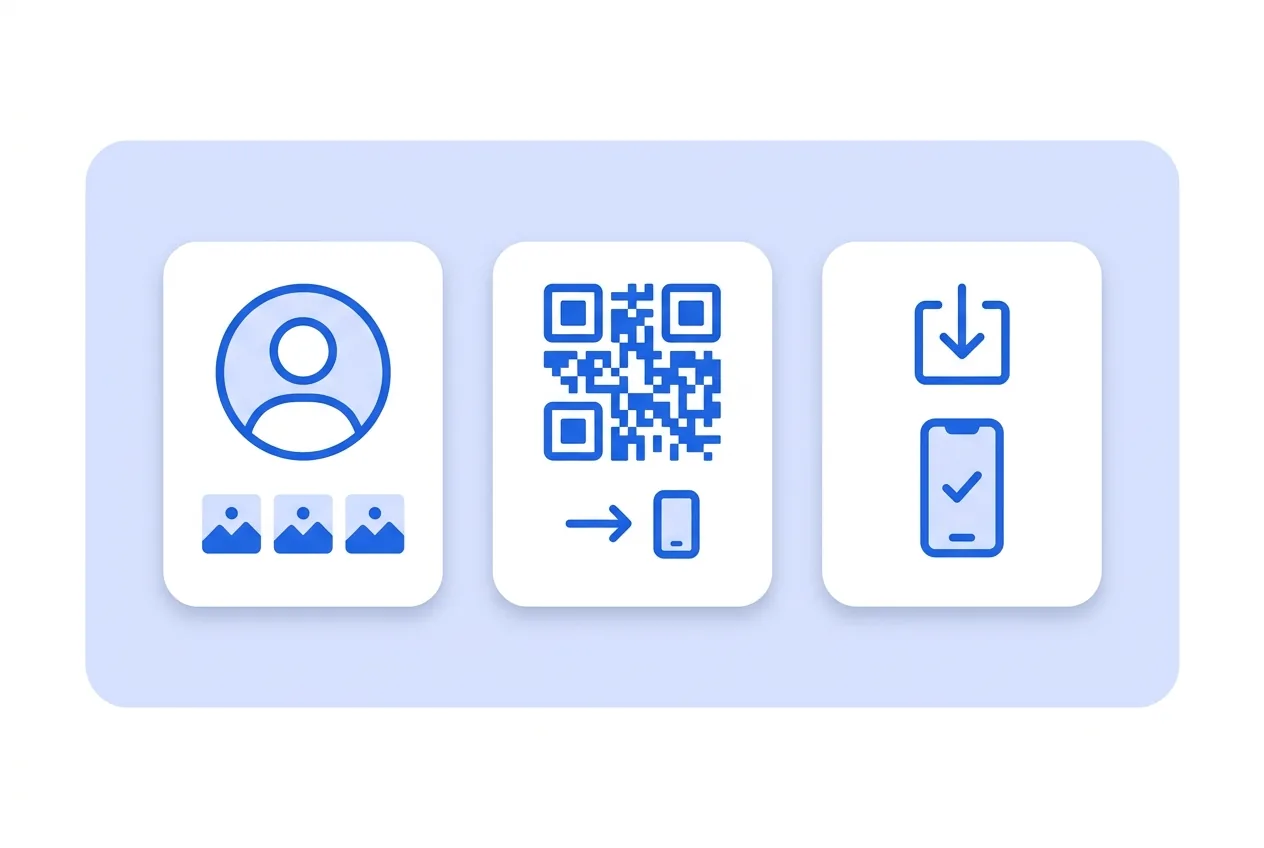
What you need for a Instagram QR code
This is everything the form asks for. Required fields cannot be left empty; the rest, only if they are useful to you.
-
Name your QR code Required
-
Instagram link Required
What a Instagram QR code is for
-
Packaging and receipts
On a coffee bag or a takeaway box: whoever liked it follows you before finishing the walk home.
-
Studios and salons
Portfolio work lives on Instagram; the code by the mirror turns a good haircut into a follower.
-
Market stalls
A code on the stall sign keeps the relationship going after the market closes for the day.
An instagram.com link inside the code
The code stores your public profile link. On scan, Instagram opens straight on your profile with the follow button in view.
It is static: no server of ours in between, so there is no scan count and nothing expires.
Instagram QR code questions
Does the person need Instagram installed?
Without the app, the link opens the profile on Instagram's website.
Can I link a Reel or a single post instead of my profile?
Yes — paste that post's link instead of your profile link; the code doesn't care which URL it holds.
These questions do not depend on the code type, and they are worth reading before sending anything to print: what size to print a QR code at , why a heavily customised code stops scanning and how static and dynamic codes differ .
Other types you might need
Create your Instagram QR code
Fill in the details, pick colors, frame and logo, and download it. The editor opens directly on the Instagram type.
Open the editor