Static QR code
QR code generator for a pet tag
Put it on the collar. Whoever finds your pet scans it and sees your phone and email right away, no app needed.
Put it on the collar. Whoever finds your pet scans it and sees your phone and email right away, no app to install.
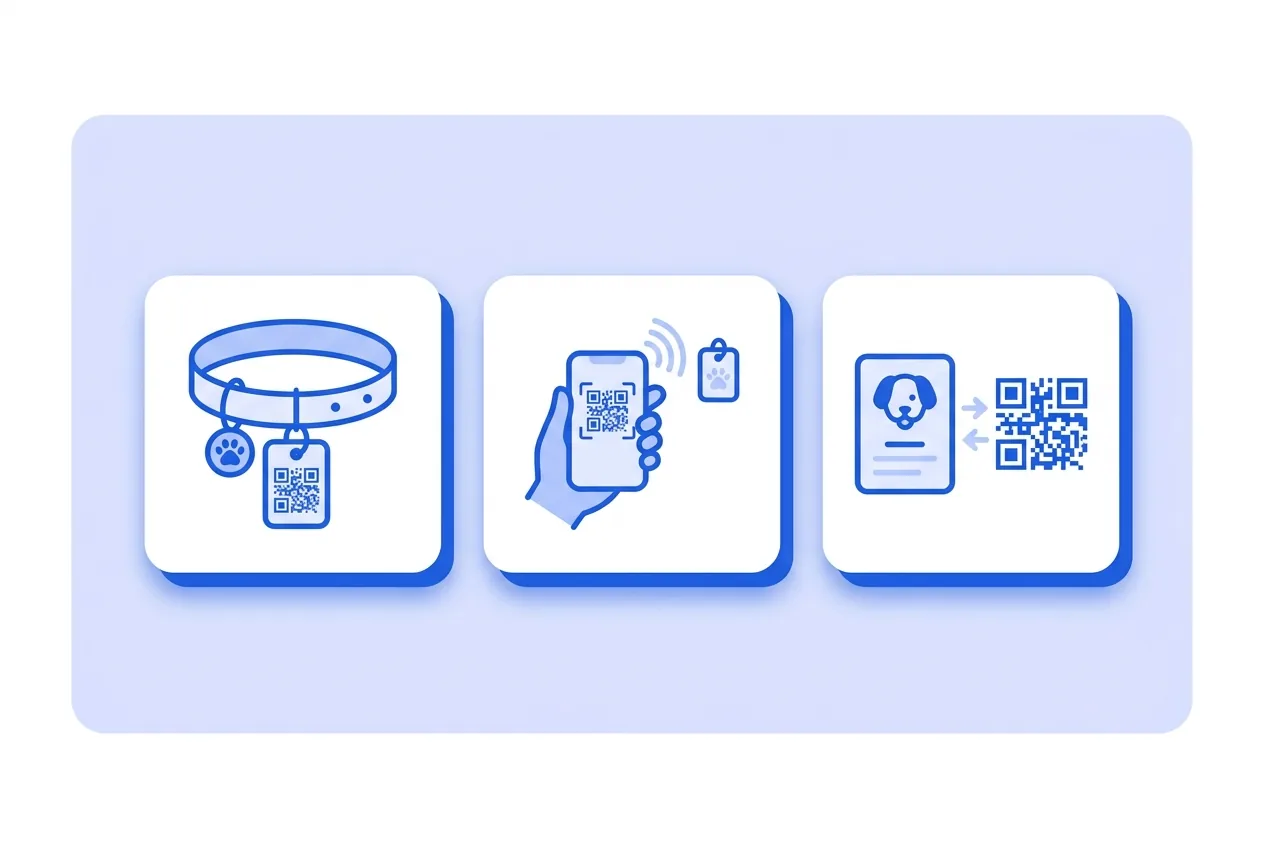
What you need for a Pet tag QR code
This is everything the form asks for. Required fields cannot be left empty; the rest, only if they are useful to you.
-
Name your QR code Required
-
Pet name Required
-
Your mobile Required
-
Your email (optional) Optional
What a Pet tag QR code is for
-
Everyday collars
A small tag with the code turns a lost-pet moment into a five-minute phone call.
-
Hiking and camping trips
Away from home is exactly when a collar tag matters most.
-
Boarding and pet sitters
Sitters and kennels scan the code instead of digging through a phone for the owner's number.
A contact card, not a hidden tracker
The code stores a standard contact card (vCard) with your pet's name and your phone and email. Scanning it offers to save it as a contact — no app, no account.
It does not track location: it only shows what you type. If you move, update it by printing a new tag.
Pet tag QR code questions
Does whoever finds my pet need an app?
No. Any phone camera reads it and offers to save your contact directly.
What if I don't want to share my email?
Leave it empty — the phone number alone is enough for someone to reach you.
These questions do not depend on the code type, and they are worth reading before sending anything to print: what size to print a QR code at , why a heavily customised code stops scanning and how static and dynamic codes differ .
Create your Pet tag QR code
Fill in the details, pick colors, frame and logo, and download it. The editor opens directly on the Pet tag type.
Open the editor