Dynamic QR code
Coupon QR code generator
Hand out a discount on posters and flyers with its terms in view, and swap the promotion when it ends without reprinting.
A discount shown on the phone, with its terms and expiry date in plain sight.
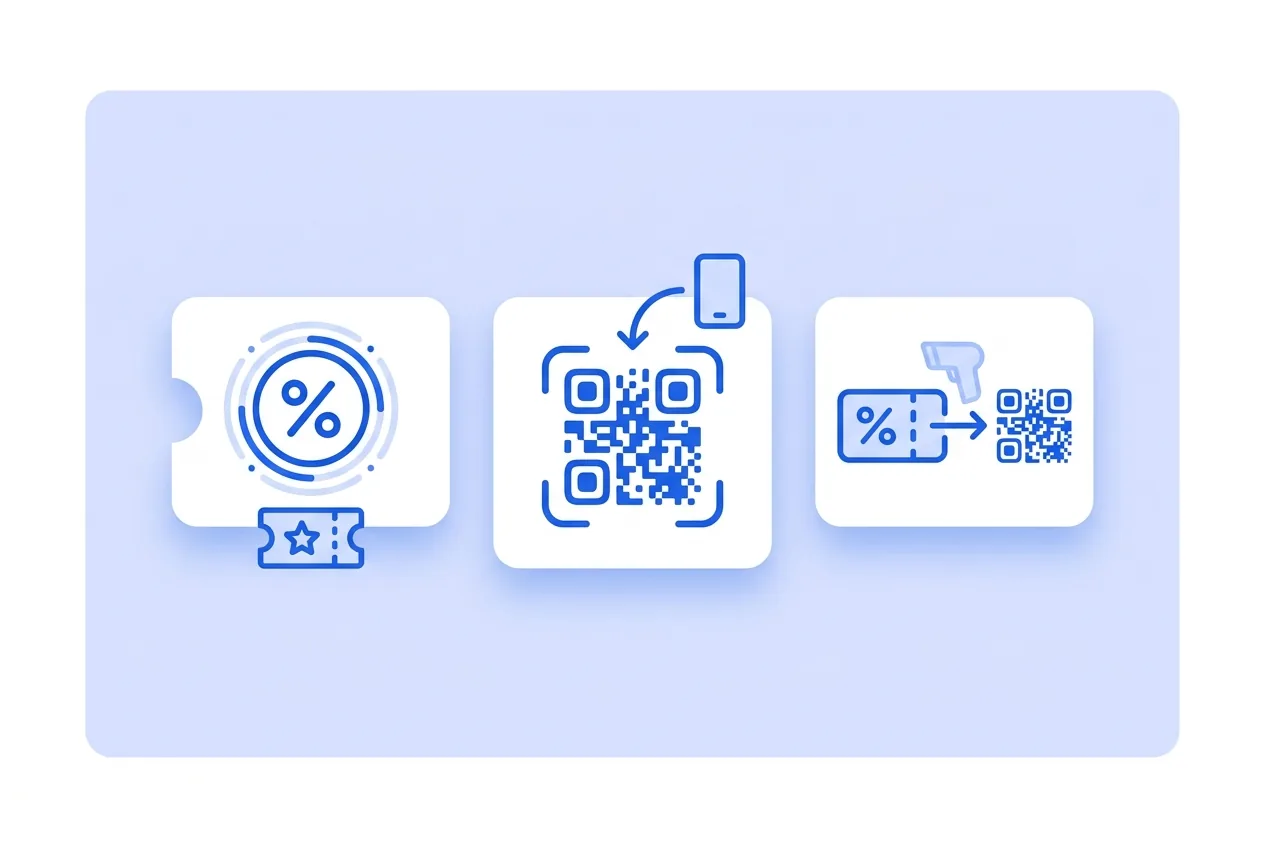
What you need for a Coupon QR code
This is everything the form asks for. Required fields cannot be left empty; the rest, only if they are useful to you.
-
Name your QR code Required
-
Image Optional
-
Logo (optional) Optional
-
Company Optional
-
Headline Required
-
Description Optional
-
Sales badge Optional
-
Coupon code Optional
-
Single use (one redemption per customer) Optional
-
Valid until Optional
-
Terms Optional
-
Website button text Optional
-
Website button link Optional
-
Address Optional
-
Number Optional
-
Postal code Optional
-
City Optional
-
State or province Optional
-
Country Optional
-
Google Analytics 4 Tracking ID Optional
-
Facebook Pixel ID Optional
-
Google Tag Manager ID Optional
What a Coupon QR code is for
-
Mailbox drops and flyers
The flyer carries the code and the coupon is shown on screen at the till, nothing to cut out.
-
Seasonal promotions
Sales, back to school or anniversary: change the coupon’s content and reuse the same stand.
-
Cross-promotions
The shop next door hands out your coupon and you hand out theirs, each with its own code to see which brings people in.
-
Measure the promotion
The scan count next to actual redemptions at the till gives you the real measure of the campaign.
Swap the promotion when it ends
The title, discount code and terms are editable. When the promotion ends, load the next one without printing anything new.
Scans are counted per code, which is the cheap way to compare two drops or two areas.
Coupon QR code questions
Can I limit it to one use per person?
The coupon displays the promotion. Redemption control happens at your till or your store, same as with any discount code.
What happens when the end date arrives?
The date appears written as a condition. To stop showing it, edit the coupon’s content when it ends.
Can I use my shop’s own discount code?
Yes. Write it in the code field and scanners see it ready to copy at checkout.
These questions do not depend on the code type, and they are worth reading before sending anything to print: what size to print a QR code at , why a heavily customised code stops scanning and what gets recorded when a dynamic code is scanned .
Other types you might need
Create your Coupon QR code
Fill in the details, pick colors, frame and logo, and download it. The editor opens directly on the Coupon type.
Open the editor