Dynamic QR code
Restaurant menu QR code generator
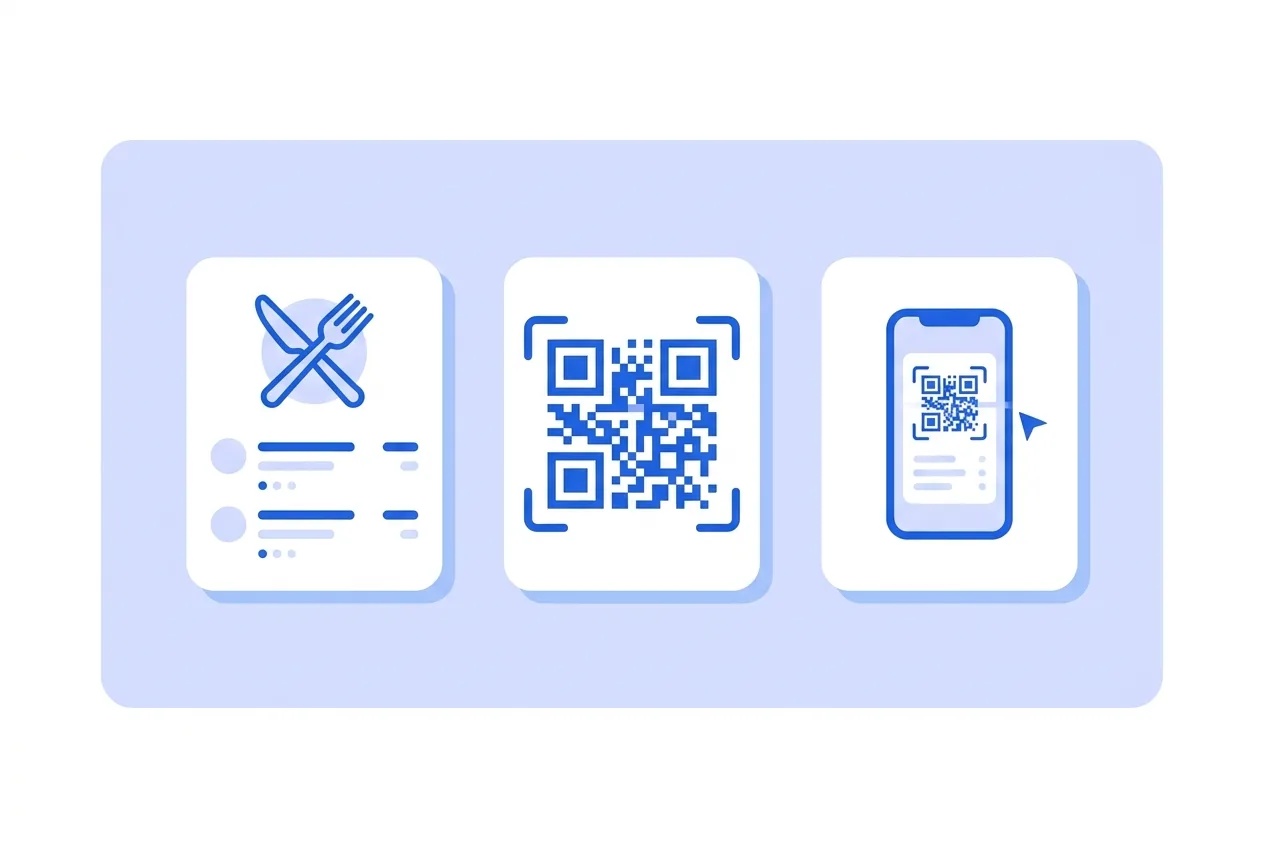
A clean menu page with sections, dishes, prices and allergens. Change a price tonight without reprinting a single table card.
The code opens a clean menu page: sections, dishes, prices and the allergen note. Edit tonight, and every table card already printed shows the new menu.
What you need for a Restaurant menu QR code
This is everything the form asks for. Required fields cannot be left empty; the rest, only if they are useful to you.
-
Name your QR code Required
-
Cover image Optional
-
Logo (optional) Optional
-
Restaurant name Required
-
Short line (optional) Optional
-
Starters Optional
-
Main courses Required
-
Desserts Optional
-
Drinks (optional) Optional
-
Allergen note (optional) Optional
-
Google Analytics 4 Tracking ID Optional
-
Facebook Pixel ID Optional
-
Google Tag Manager ID Optional
What a Restaurant menu QR code is for
-
Tables and terraces
One card per table replaces laminated menus that age badly and cost a reprint per price change.
-
Menus that change daily
The lunch menu changes every morning; the code on the door never does.
-
Tourists and groups
Phones translate a web menu in place; paper menus do not.
-
Allergen duty
The allergen note lives in one editable place instead of twenty printed corners.
A menu page served by us, a short link in the code
The code stores a short link to your menu page. That is what makes it editable: dishes and prices change on the page while the printed pattern stays the same.
Write each dish on its own line as "name - price". Sections keep the page tidy without any design work on your side.
Restaurant menu QR code questions
Can I change prices after printing?
Yes — that is the point. Edit the menu and every printed code shows the new version on the next scan.
How many dishes fit?
One per line, three sections. For very long menus, a PDF QR code with your designed menu is the better fit.
These questions do not depend on the code type, and they are worth reading before sending anything to print: what size to print a QR code at , why a heavily customised code stops scanning and what gets recorded when a dynamic code is scanned .
Create your Restaurant menu QR code
Fill in the details, pick colors, frame and logo, and download it. The editor opens directly on the Restaurant menu type.
Open the editor