Dynamic QR code
Smart multi-URL QR code generator
One printed code that sends each person to the right place: by language, by device or by time of day. Rules you can change whenever.
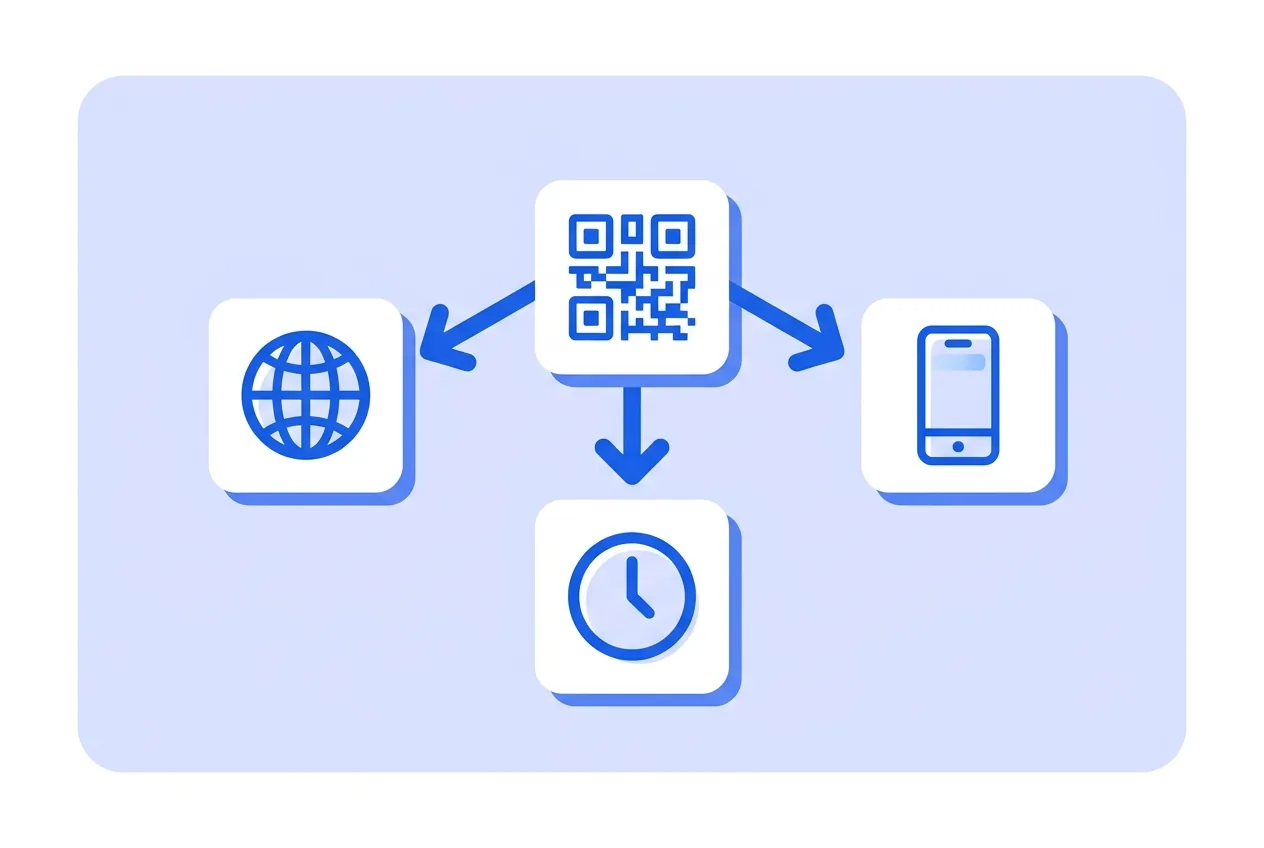
One printed code, several destinations: Spanish speakers see your Spanish page, iPhones open the App Store, and after eight the code shows the dinner menu. Rules run on our redirector and you edit them whenever.
What you need for a Smart multi-URL QR code
This is everything the form asks for. Required fields cannot be left empty; the rest, only if they are useful to you.
-
Name your QR code Required
-
Main URL (when no rule matches) Required
-
Language rules Optional
-
URL for iPhone/iPad Optional
-
URL for Android Optional
-
From (HH:MM, UTC) Optional
-
Until (HH:MM, UTC) Optional
-
URL during that window Optional
What a Smart multi-URL QR code is for
-
Tourist areas
The same table card serves locals and visitors, each in their language.
-
App downloads
iPhone to the App Store, Android to Google Play, desktop to your site — one code on the poster.
-
Day and night offers
Breakfast menu until noon, dinner menu at night, without touching the printed code.
-
Campaign measurement
With automatic UTMs, every scan lands in your analytics labelled with the code that brought it.
Rules evaluated on scan, first match wins
The code stores a short link to our redirector. On each scan, the rules run in order — language, device, time window — and the first match decides the destination; with no match, the main URL wins.
Time windows use UTC and may cross midnight. Language comes from the browser preference; device, from the phone itself.
Smart multi-URL QR code questions
Can I change the rules after printing?
Yes. The printed code points at the redirector; the rules live on the server and take effect on the next scan.
What happens if two rules match?
The first one in the list wins. The order is yours to set, so put the most specific rule first.
These questions do not depend on the code type, and they are worth reading before sending anything to print: what size to print a QR code at , why a heavily customised code stops scanning and what gets recorded when a dynamic code is scanned .
Other types you might need
-
Website
Links to any website and lets you change it anytime.
Dynamic -
App
Opens a page with your app: App Store, Google Play or a direct download.
Dynamic -
Restaurant menu
Your restaurant menu, always current, on their phone.
Dynamic -
Business page
Hours, phone and address for your business, one page.
Dynamic
Create your Smart multi-URL QR code
Fill in the details, pick colors, frame and logo, and download it. The editor opens directly on the Smart multi-URL type.
Open the editor