Dynamic QR code
Event QR code generator
Share the date, venue and details so they land straight in the calendar app.
Date, time and place in one code. Scanners save the event to their calendar and their phone does the reminding for you.
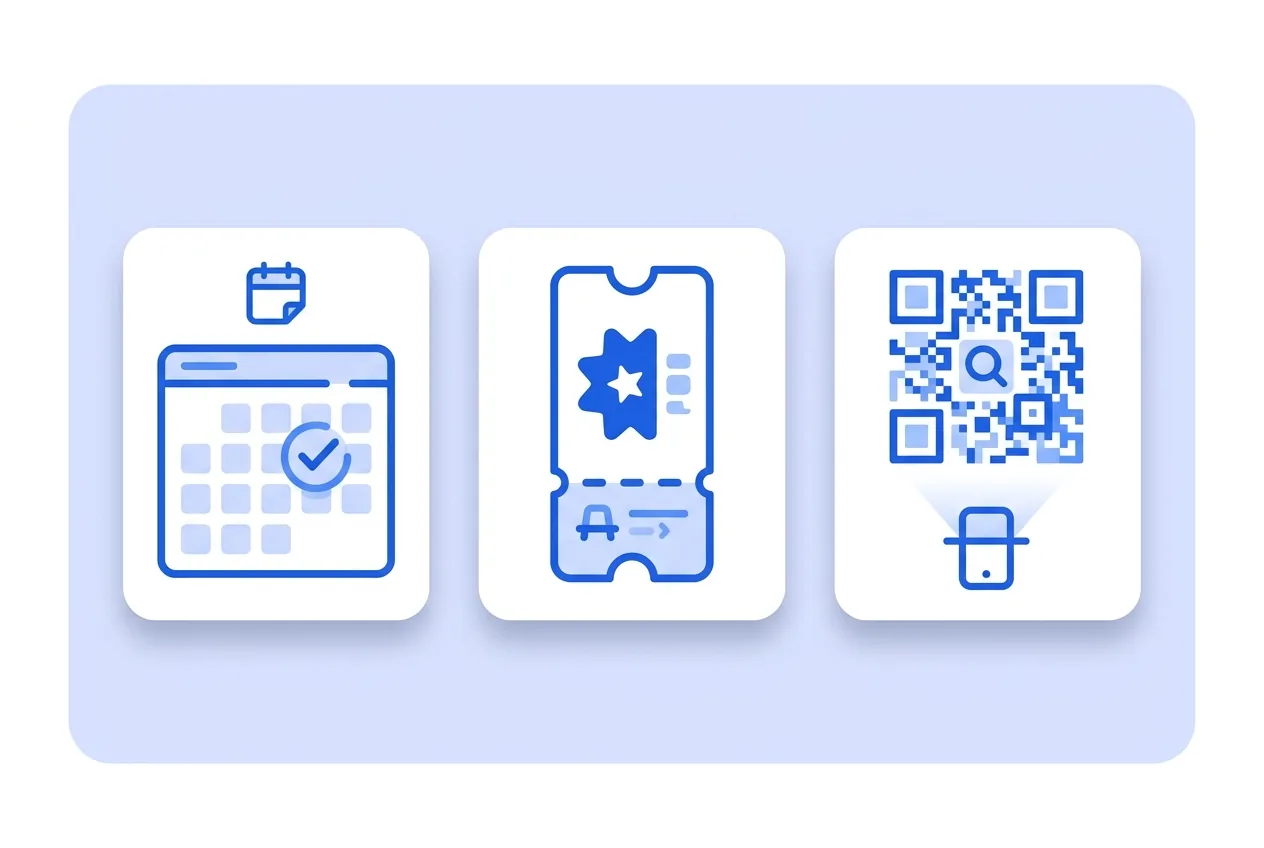
What you need for a Event QR code
This is everything the form asks for. Required fields cannot be left empty; the rest, only if they are useful to you.
-
Name your QR code Required
-
Cover image Optional
-
Event name Required
-
Details Optional
-
Capacity and price (optional) Optional
-
Button text Optional
-
Button link Optional
-
Ticket button text (optional) Optional
-
Ticket link (optional) Optional
-
All-day event Optional
-
Start date and time Optional
-
End date and time Optional
-
Add to calendar button text Optional
-
Contact name Optional
-
Phone Optional
-
Email Optional
-
Website Optional
-
About us Optional
-
Venue Optional
-
Address Optional
-
Number Optional
-
Postal code Optional
-
City Optional
-
State or province Optional
-
Country Optional
-
Facilities and services Optional
-
Google Analytics 4 Tracking ID Optional
-
Facebook Pixel ID Optional
-
Google Tag Manager ID Optional
What a Event QR code is for
-
Concert and fair posters
People photograph the poster and then forget the date. Saved to the calendar, the reminder fires on its own.
-
Printed invitations
At a wedding or a christening, the code saves every guest from copying the time and address by hand.
-
Conferences and training
Each session in a programme gets its code, and each attendee saves only the ones they care about.
-
Appointments and pickups
A check-up, a delivery or a scheduled pickup lands in the client’s calendar with no reminder calls.
If the date changes, nothing gets reprinted
The event details are edited from your panel. A postponement or a room change is fixed there, and whoever scans afterwards sees the correct version.
Scans are counted, and when promoting an event that gives you a sense of interest before the day arrives.
Event QR code questions
Which calendars does it work with?
Those that understand the standard calendar format, which are the usual ones on iPhone and Android.
How do I write the date?
Year, month and day, with the time in 24-hour format, like the example shown in the field.
Can I set a multi-day event?
Yes, with the start on one day and the end on another.
These questions do not depend on the code type, and they are worth reading before sending anything to print: what size to print a QR code at , why a heavily customised code stops scanning and what gets recorded when a dynamic code is scanned .
Create your Event QR code
Fill in the details, pick colors, frame and logo, and download it. The editor opens directly on the Event type.
Open the editor